Instant Access
Your account opens on all devices through the browser. No app store download required - just visit luckyhillsonline.com and sign in.
Login at Luckyhills in Australia: Email & Password Access
Access your AUD account, claim bonuses and play 7,000+ games from any device in seconds.
Keep Your Account Secure
What You Should Do
What You Should Avoid
Luckyhills Login at a Glance
Instant Access
Your account opens on all devices through the browser. No app store download required - just visit luckyhillsonline.com and sign in.
SSL-Secured Sessions
Every login session is protected by SSL encryption. Complete Technologies N.V. processes authentication through encrypted channels only.
One Account, Every Device
The same credentials work on desktop, iPhone and Android. Install the Luckyhills PWA to your home screen for one-tap return access.
Luckyhills uses a standard email-and-password authentication system. You enter the email address you registered with and the password you set during sign-up, then confirm the login. There is no separate PIN or secondary code required for the standard session, though two-factor authentication can be enabled under your account security settings for an additional layer of protection.
The platform supports login via any modern browser on Windows, macOS, iOS and Android. Because Luckyhills is a Progressive Web App, you can also install it to your phone home screen or desktop, which launches the platform in a near-native interface with your session preserved between visits.
Follow these steps to access your Luckyhills account on any device. If you have not yet registered, you will need to create an account first on the main site.
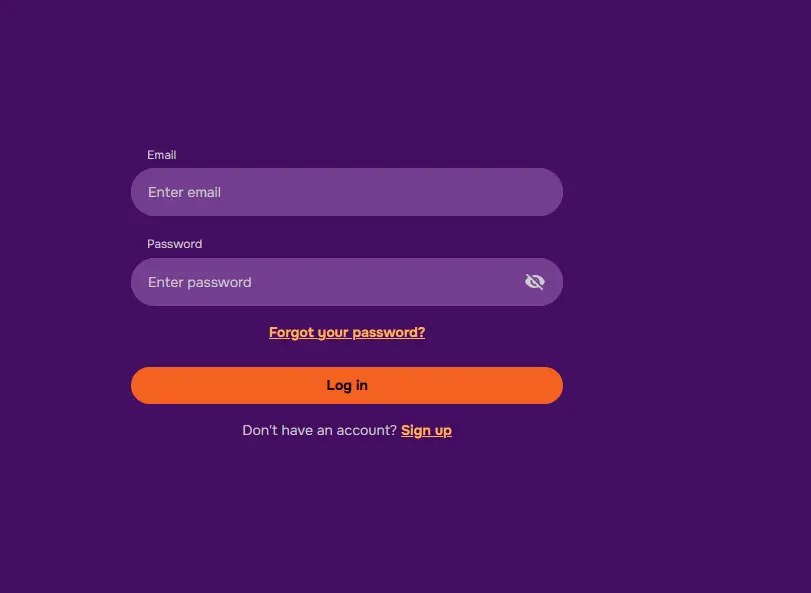
Open your preferred browser and navigate to luckyhillsonline.com. Select the login button in the upper right corner of the homepage. Enter the email address and password linked to your account, then confirm. The lobby loads immediately on a successful login. If you have an active bonus, the promotions section of your account will show the current status.
Open Safari on iPhone or Chrome on Android and go to luckyhillsonline.com. Tap the login button, which appears in the same upper-right position as on desktop. Enter your credentials and confirm. The mobile layout adjusts automatically to your screen size. To install the PWA for faster future access, tap the share icon in Safari and select “Add to Home Screen,” or use the browser menu option in Chrome on Android.
Luckyhills does not offer a native app on the App Store or Google Play. Instead, the PWA installed from the browser functions as the app. Once installed to your home screen, tap the Luckyhills icon to open a full-screen session. On subsequent visits, your session may already be active if you selected the save credentials option during your first login.
Your Luckyhills account is protected by SSL encryption across all transactions and sessions. Complete Technologies N.V. processes authentication through encrypted channels, and payment handling runs through third-party processors BOVIVE Ltd and SpotExe Ltd. No financial data is stored in a format accessible from within your account profile.
Two-factor authentication adds a second verification step to your login. When enabled, you receive a one-time code after entering your password, which you enter to complete the sign-in. This protects your account even if someone obtains your password. You can activate two-factor authentication under the security section of your account settings.
Biometric login (fingerprint or face recognition) is available on supported mobile devices through the browser’s saved credentials system. If your phone supports biometric unlock for saved passwords, it will prompt you to use this when returning to luckyhillsonline.com on the PWA.
Most login problems have straightforward causes. Work through the following before contacting support.
If your password is not being accepted, check that caps lock is off and that you are using the email address you registered with, not an alias or alternative address. If the password was changed recently and you did not save the new one, use the password reset option on the login page.
If you receive an “account suspended” message, contact live chat directly. Accounts may be suspended pending identity verification or if our security systems detect unusual activity. The support team can clarify the reason and advise on the steps to restore access.
If the login page is not loading, clear your browser cache and cookies, then try again. On mobile, ensure you are using a supported browser (Safari on iOS, Chrome or Firefox on Android) and that the browser is up to date.
If you are outside Australia on a temporary basis and cannot reach the login page, note that access may be affected by your current location. Contact support at [email protected] from the email address linked to your account for assistance.
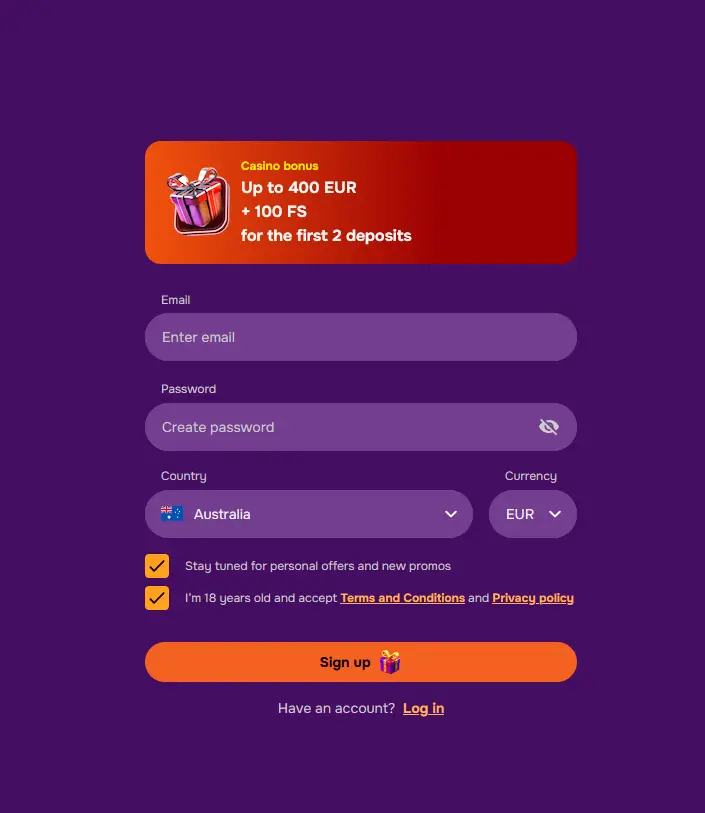
If you have not yet registered with Luckyhills, you can create an account by selecting the sign-up option on the homepage at luckyhillsonline.com. The registration process asks for your email address, a password, your full name, date of birth, contact number and address. Once you confirm your email address via the verification link, your account is active and you can access the welcome bonus offer. All new accounts are subject to identity verification before the first withdrawal is processed.
Login Questions Answered
Select the forgot password option on the login screen, enter the email address registered to your account, and follow the reset link sent to your inbox. If the email does not arrive within a few minutes, check your spam folder or contact live chat.
Luckyhills temporarily locks accounts after repeated incorrect password entries as a security measure. Wait a few minutes, then use the password reset option or contact live chat to have the lock lifted.
Yes. After your first login on a mobile browser, you can accept the save credentials prompt or install the Luckyhills PWA to your home screen, which stores your session for faster return visits without re-entering your details each time.
No. Luckyhills permits one account per person. Duplicate accounts violate the terms and conditions and may result in all accounts being suspended. If you believe a duplicate was created in error, contact support at [email protected].
Ready to Sign In?
Grab 200% up to $2,000 and 100 free spins.
Enter Casino Play responsibly. Registration is restricted to those 18 and older. Bonus offers are subject to terms.